See SafeCircle in action
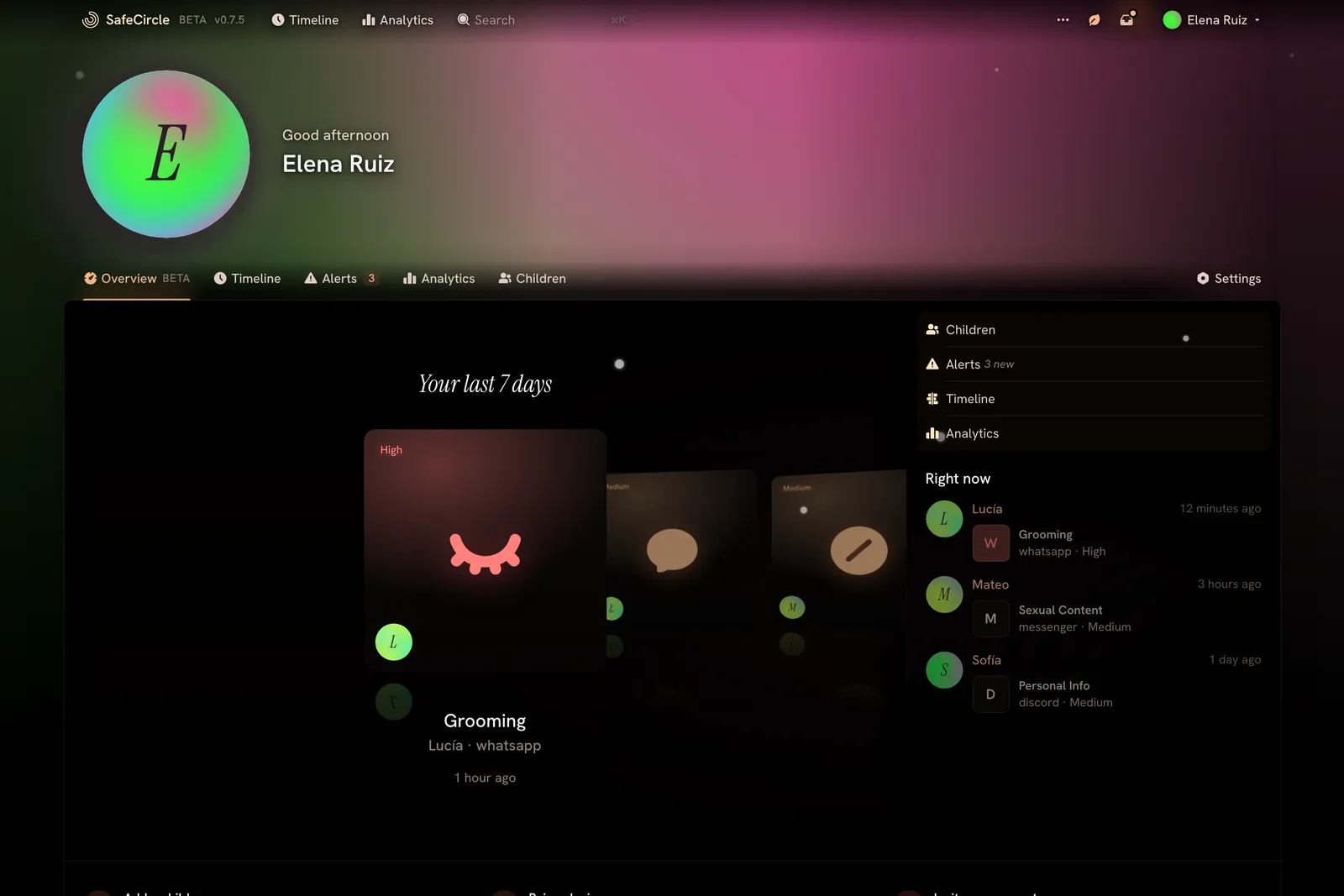
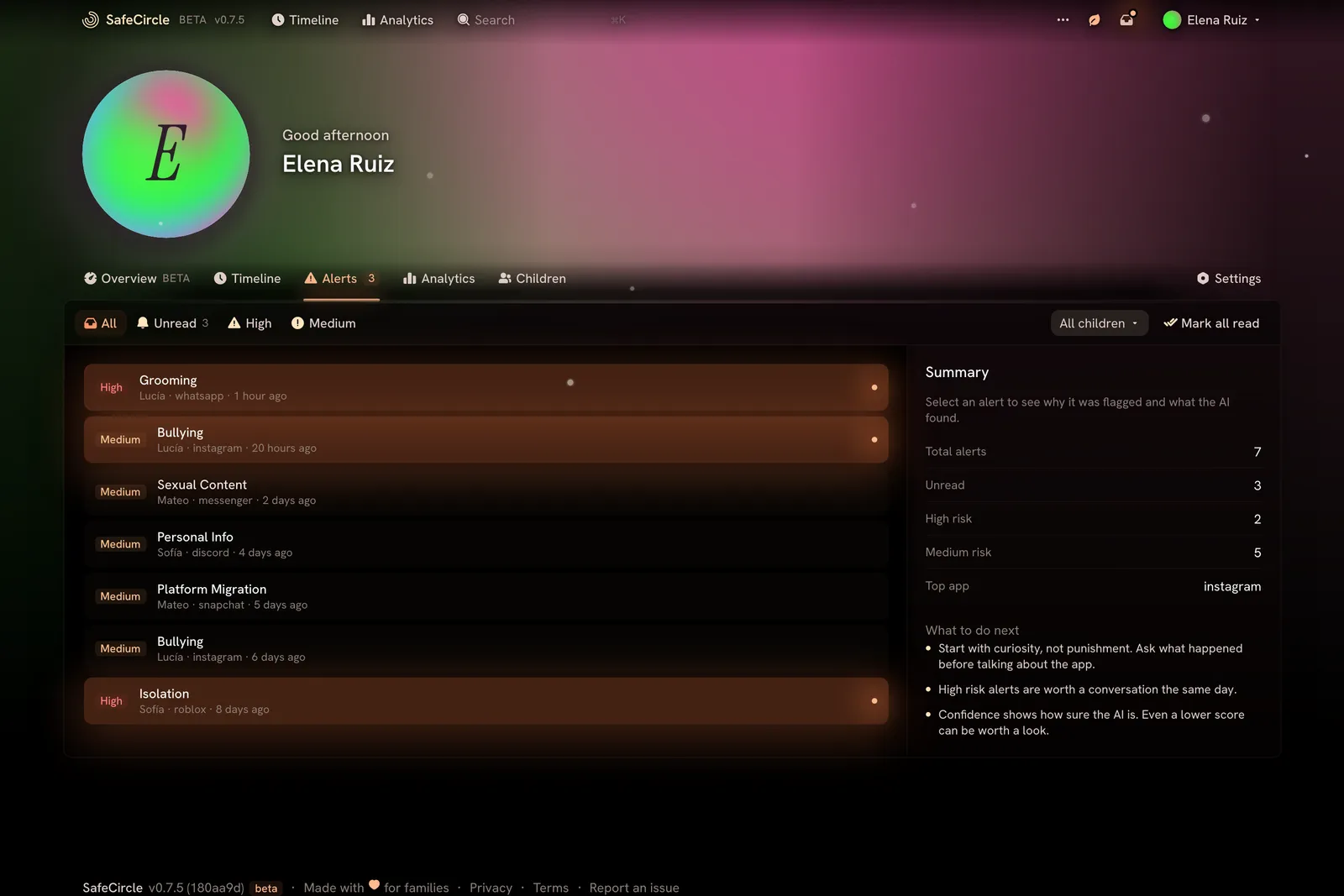
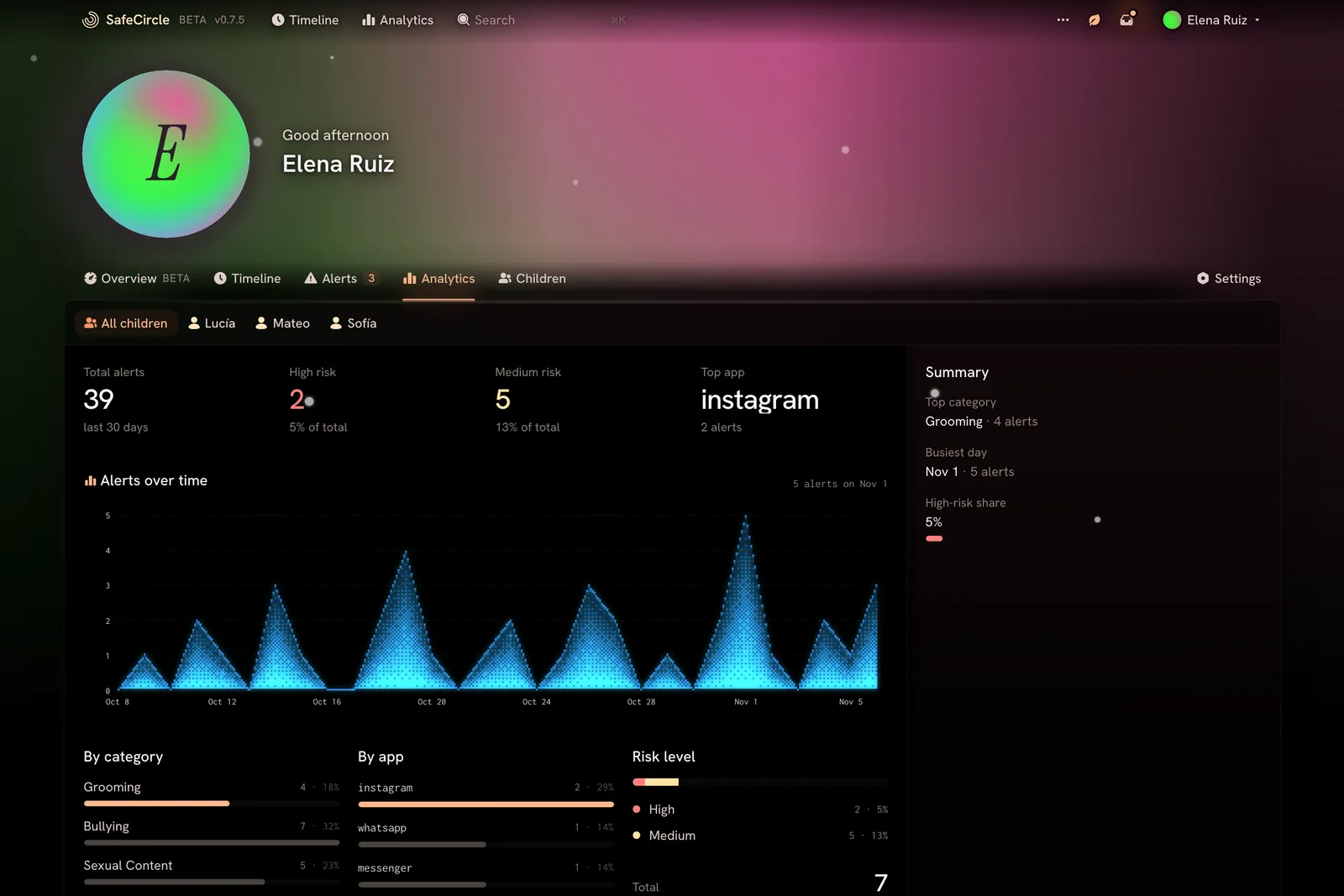
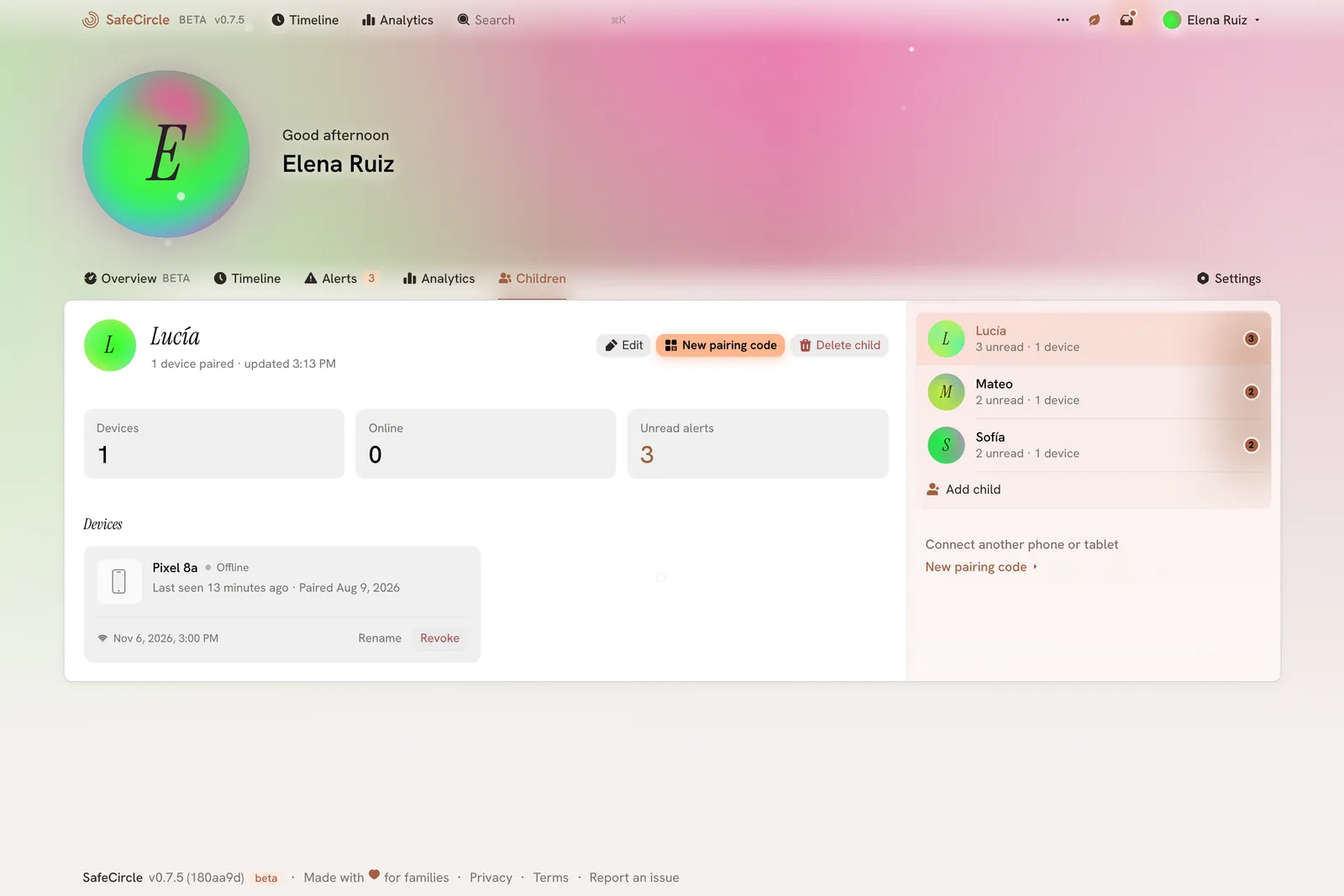
Here is what a parent sees, from the Android app and the web dashboard. Every screen below uses invented families, so you can see the layout without any real child’s data.
An alert, step by step
Pick a scenario to see the alert a parent receives, what the child’s phone does, and what is never sent.
- Reads the on-screen conversation
- Horizon classifies it on the device
Message text stays here
Grooming
An adult account asked your child to move the chat to a private app and keep it secret.
Suggested next step. Stay calm and talk to your child without blame. Keep the account details and report the profile to the platform.
Never sent: the conversation, the contact’s name, photos.
A demonstration with invented messages. Real alerts look like this, and no message text is ever sent.
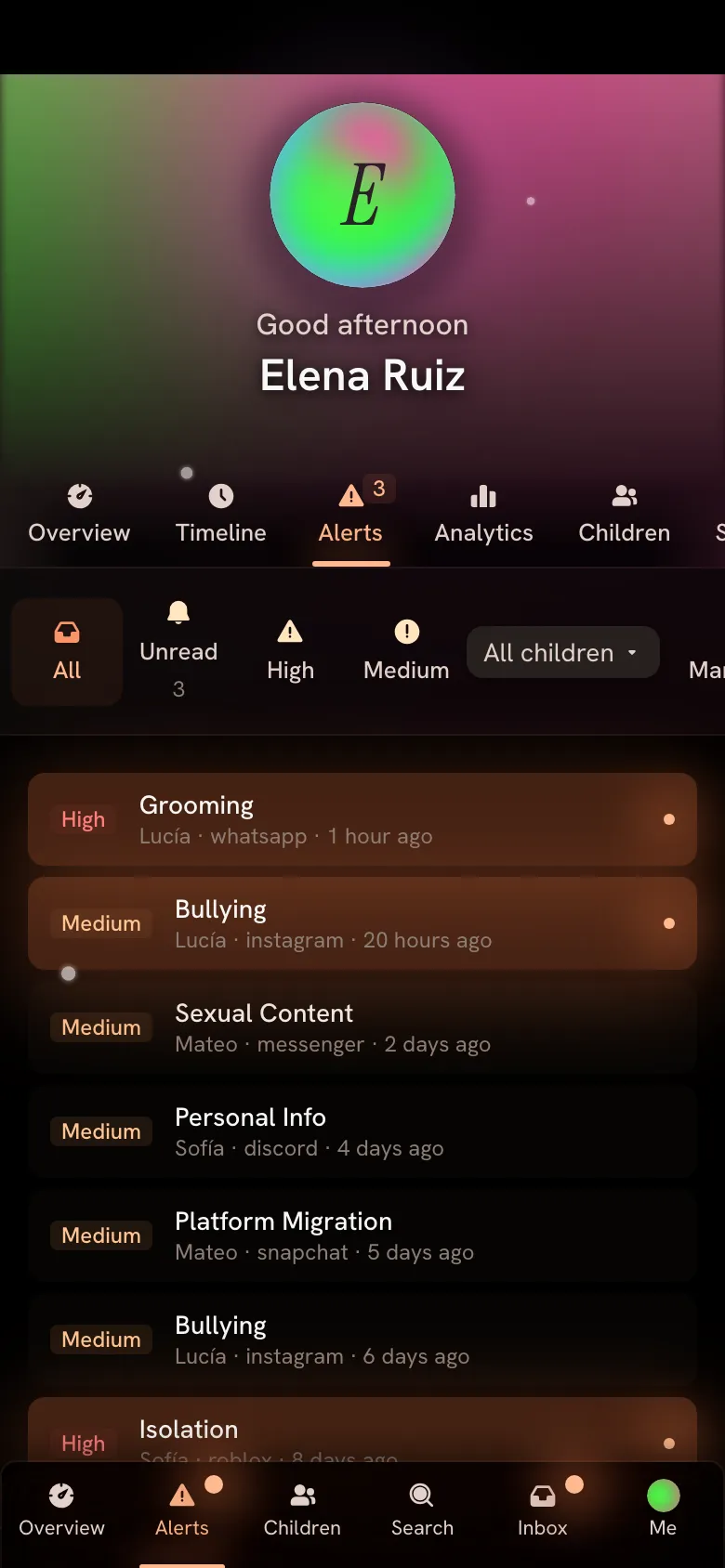
The parent app
The Android parent app. It is in Google Play closed testing, and iOS is on the waitlist.
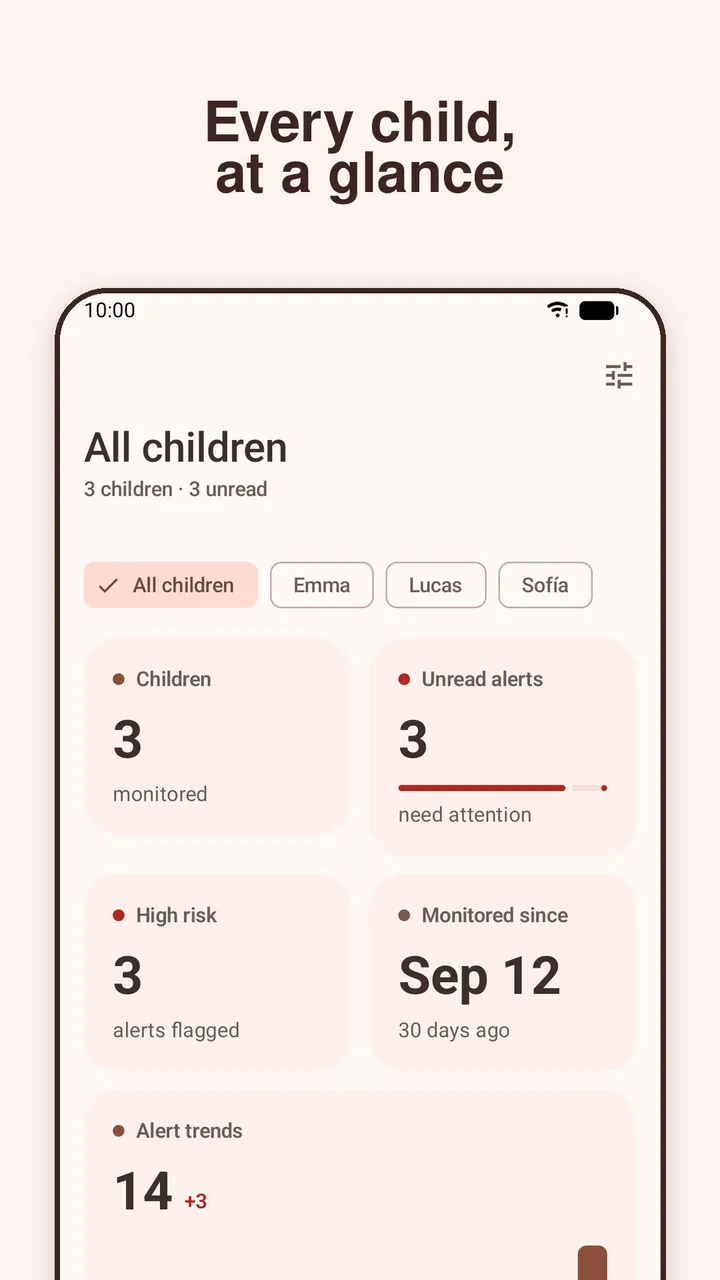
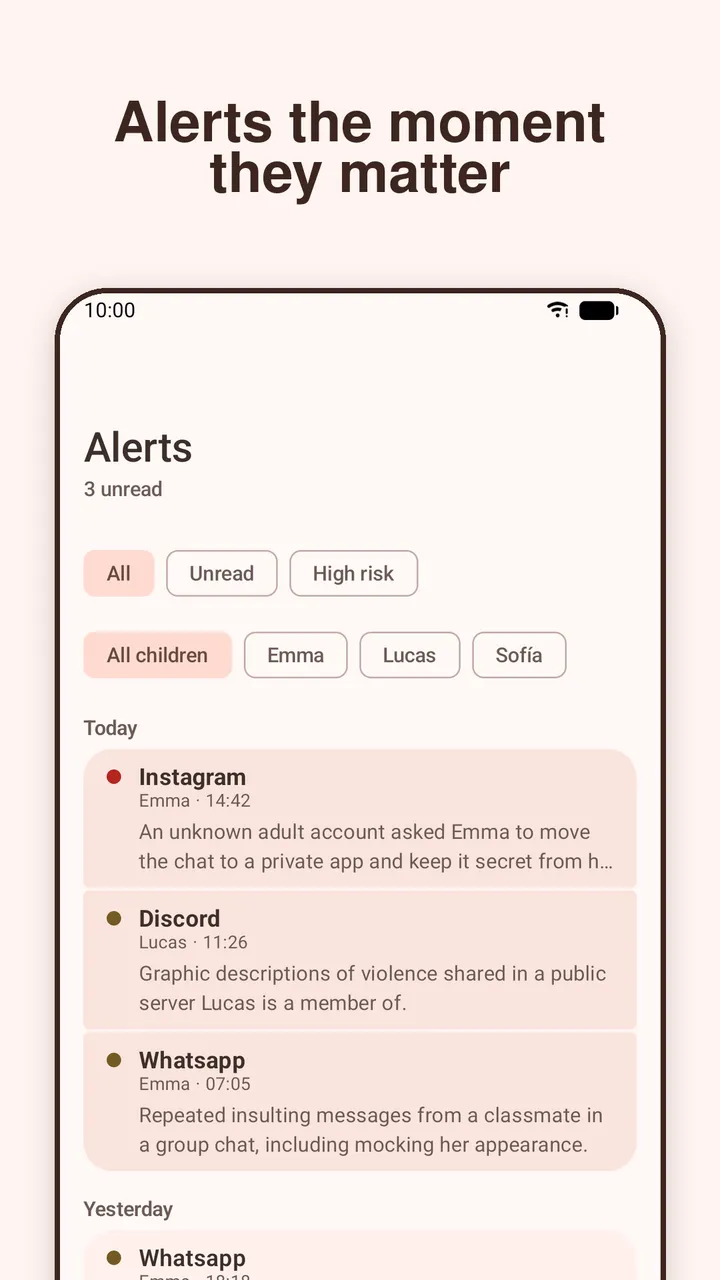
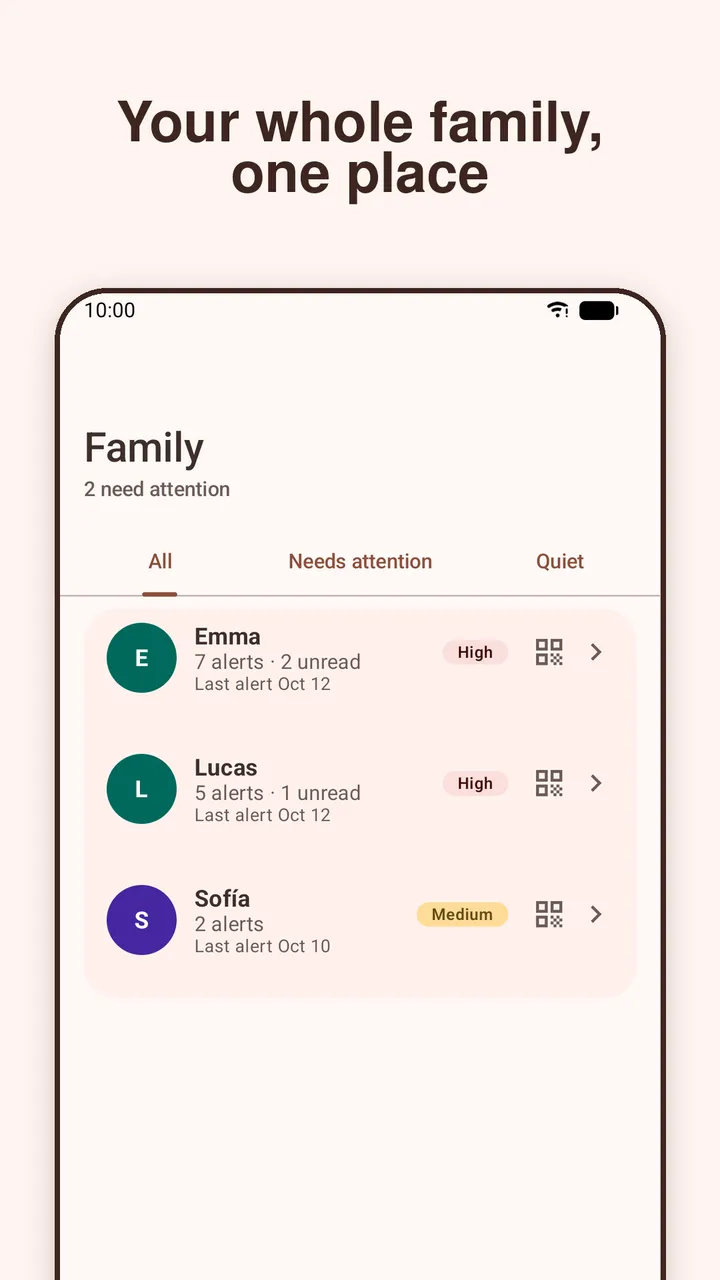
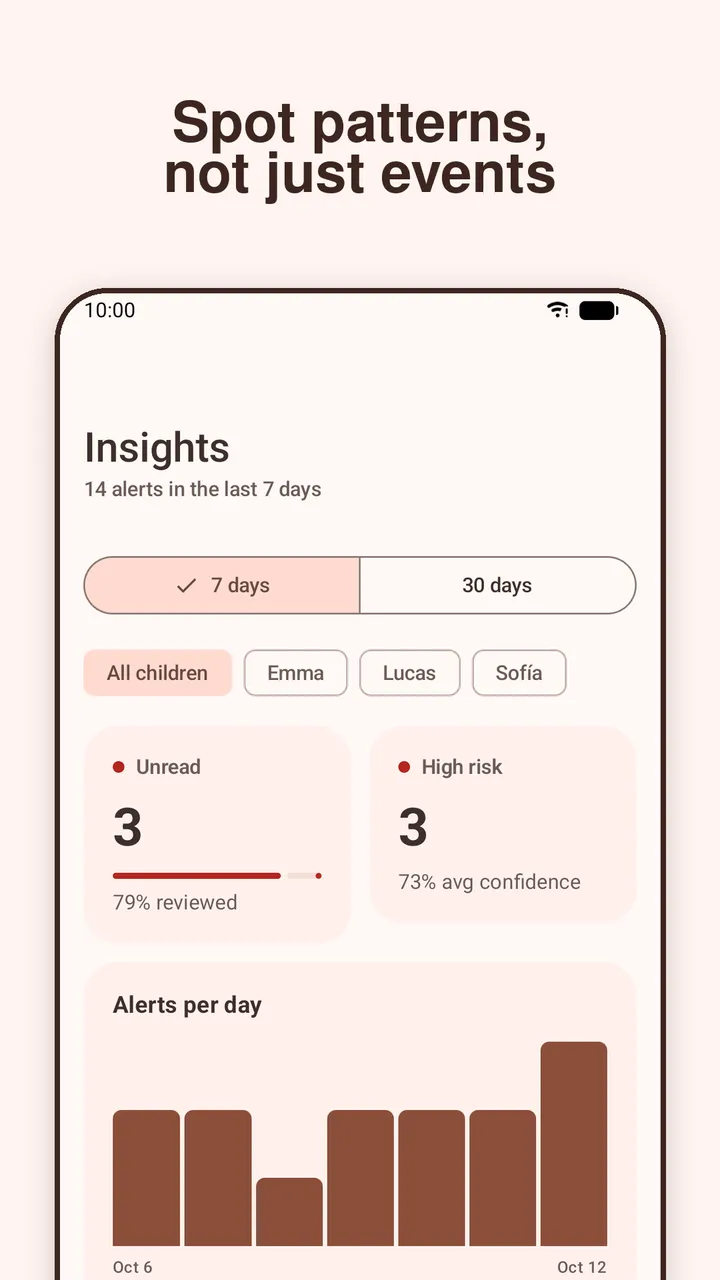
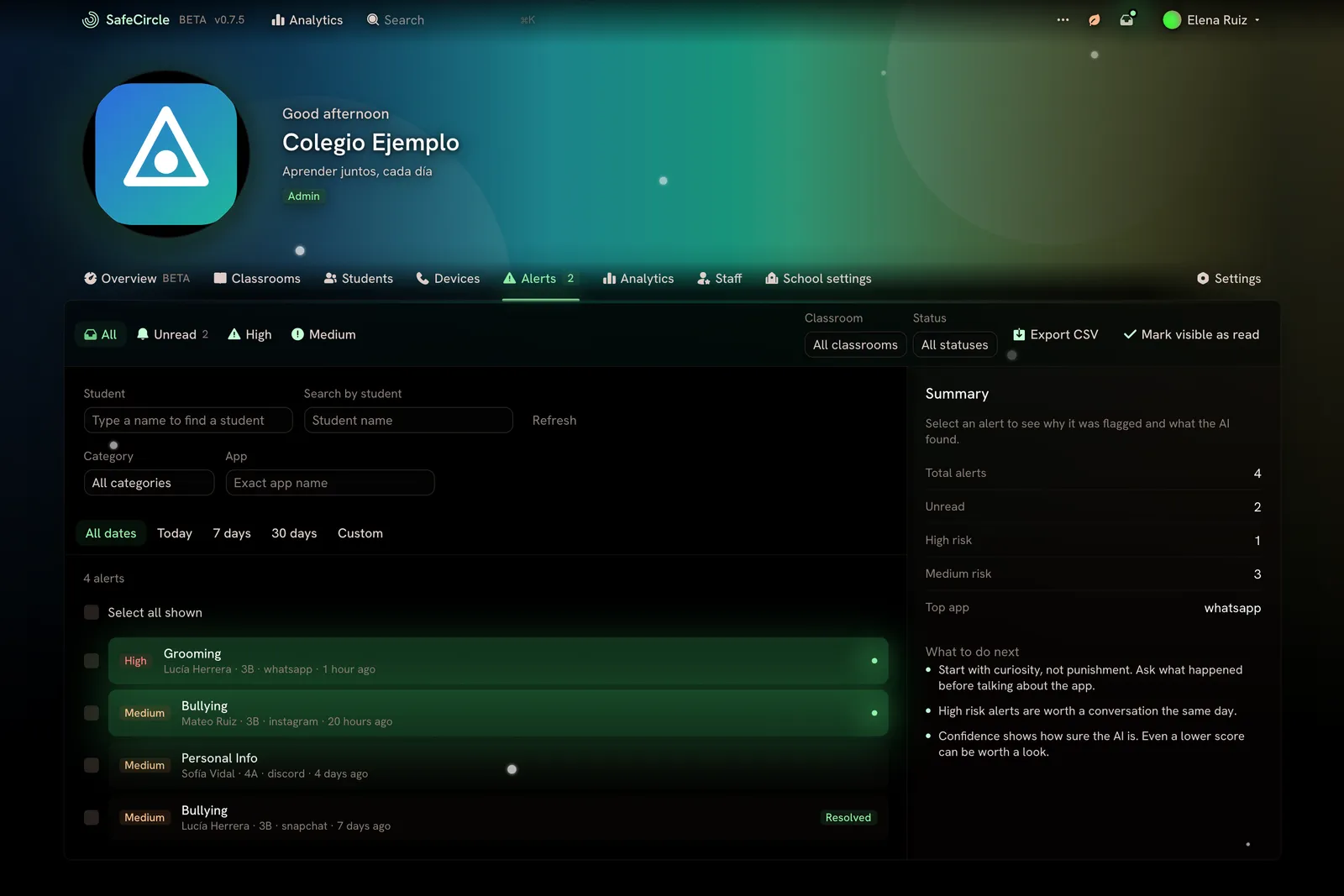
The web dashboard and school workspace
The web dashboard at app.safecircle.tech, in dark and light themes. The school workspace is shown with its own fictional school.
From install to first alert
- 01
Create your account
Sign up at app.safecircle.tech with an email and password, or with Google, Discord or X. Confirm the email we send you.
- 02
Join the Android beta
Join the SafeCircle Testers Google group with the Google account that is on your Play Store, then opt in to the apps. Details are on the download page.
- 03
Install the apps
On your child’s phone (Android 7.0 or later) install SafeCircle Child and follow the five setup screens. Install SafeCircle Parents on yours.
- 04
Pair the phone
In the dashboard add your child and create a pairing code, then scan the QR or type the six digits on their phone. Codes last five minutes.
- 05
Receive the first alert
When something is flagged, you get a short alert with a risk level, a category and a written reason. Message text is never sent.
Note
Invented families only
Every name, school, device and message in these screenshots is invented. They show how the product looks and works. They are not testimonials, and they are not results from a real family or school.
Try it with your family
Set-up takes a few minutes on an Android phone. For a walkthrough with the founder, book a demo.
If your child is in dangerGet help now